Exporting the Project
This page will guide you on how to build and export the final project.
- On the root folder, Navigate to
Polytoria(The Godot project) - Duplicate
export_presets.cfg.templateand rename it toexport_presets.cfg - If you have Godot Editor open, restart it.
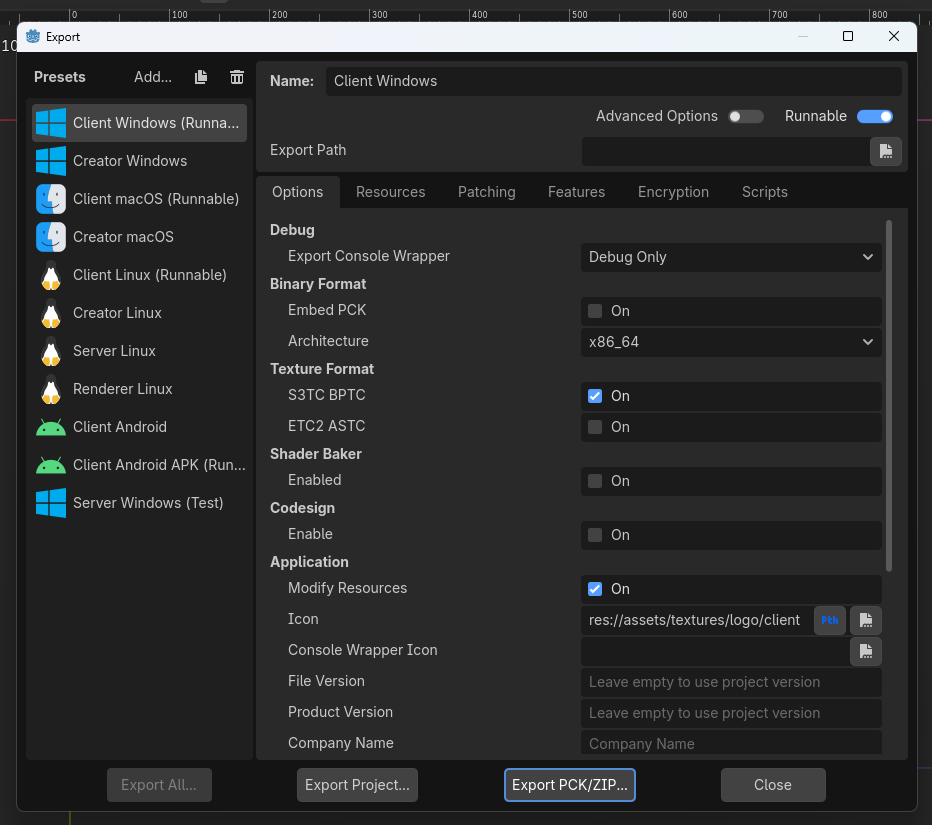
- Go to
Project > Export.... You should now be able to access build options from the template file.