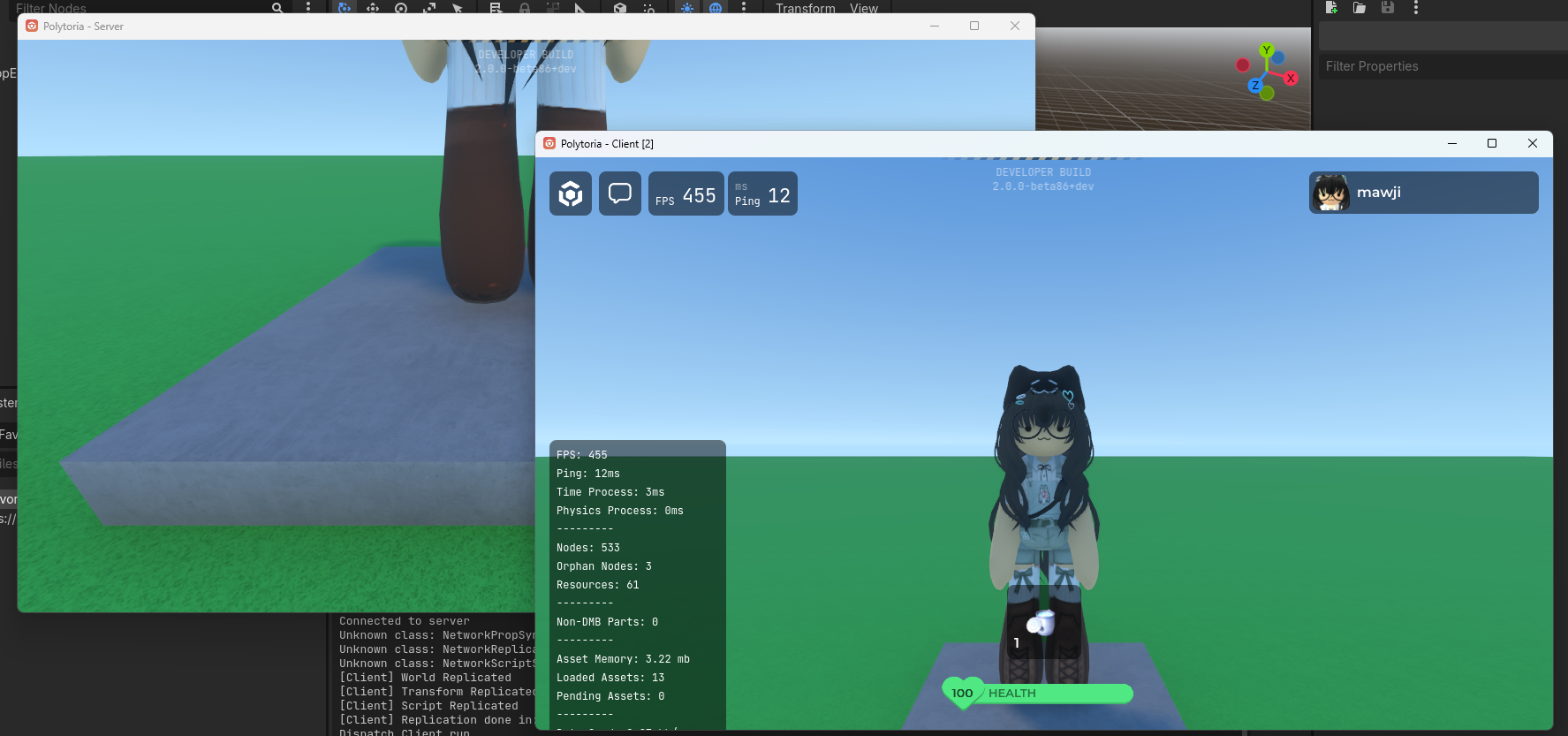
Launching the Client and Server
This guide walks you through how to run the Polytoria Client and Server locally for development. In this guide specifically, we will be launching one server instance and one client instance, but you can launch as many clients as you want!
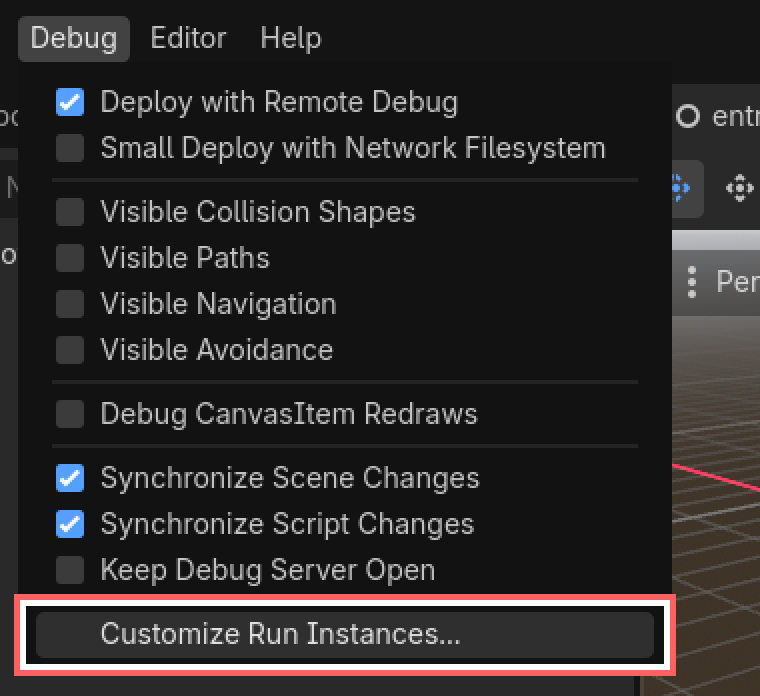
- Go to Debug > Customize Run Instances
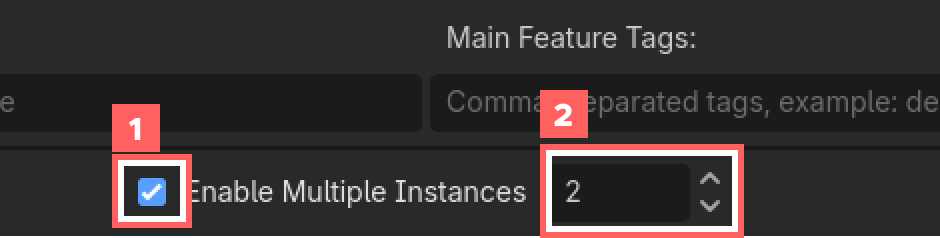
- Enable Multiple Instances, then set the instance count to 2
- Set the launch arguments to the following

Instance 1:
-network server -world res://samples/worlds/baseplate.poly
Instance 2:
-network client -id 64499
About the ID
The ID refers to the user ID of the account you want to playtest with. You can find your user ID by going to settings, scrolling down to the bottom until you see "Player ID".
About Feature tags
Make sure the feature tags does not contain other entry flags (or just keep it empty!), we don't need them in client launching.
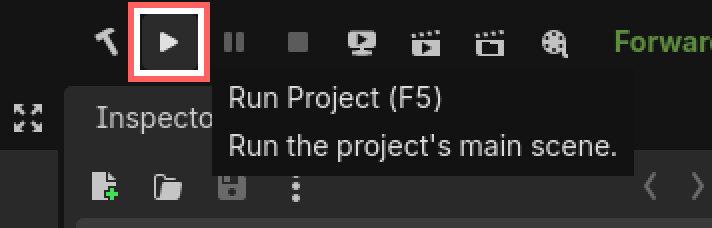
- Press Run Project
...and there you go!