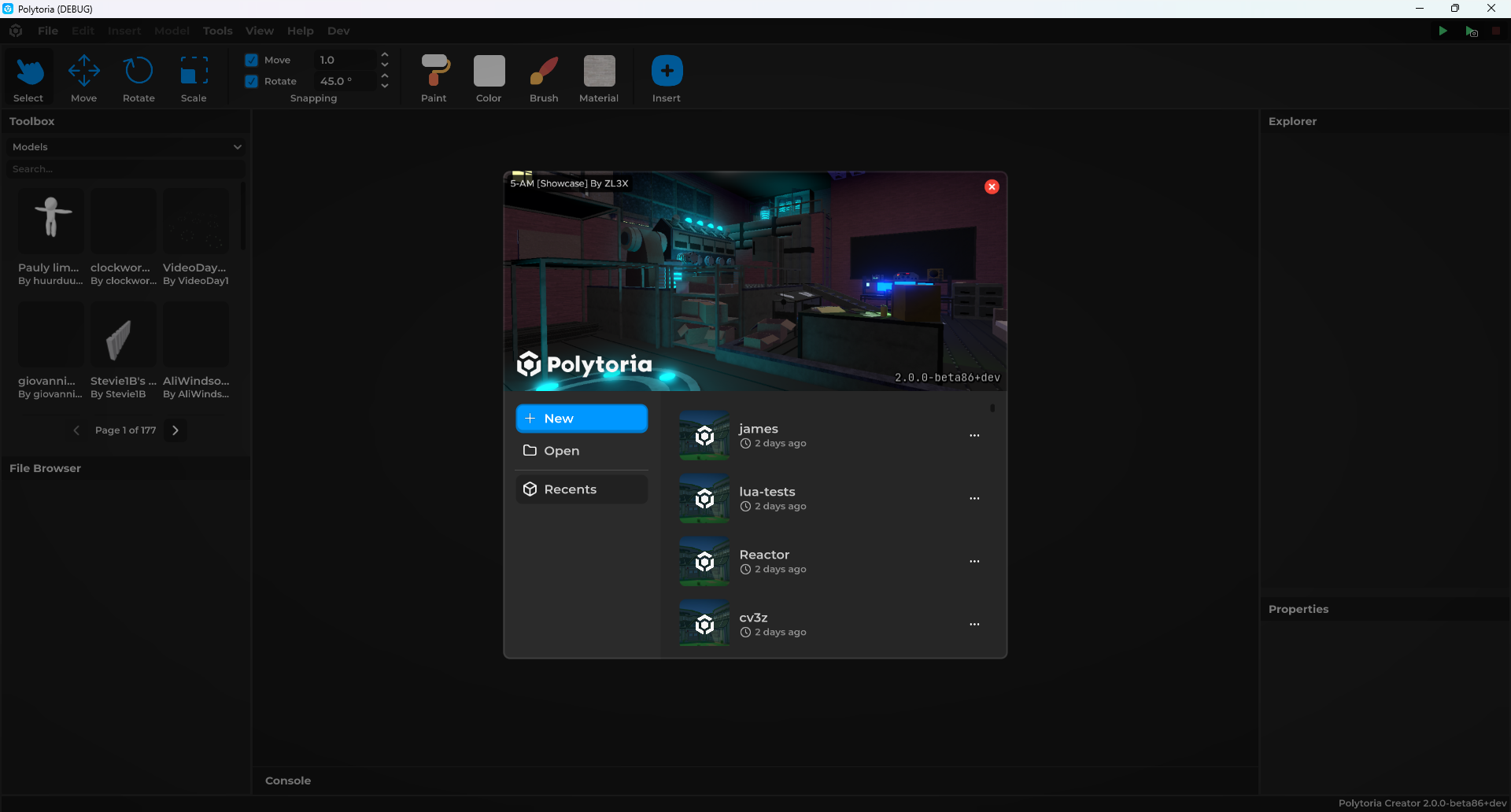
Launching the Creator
This guide walks you through how to run Polytoria Creator locally for development.
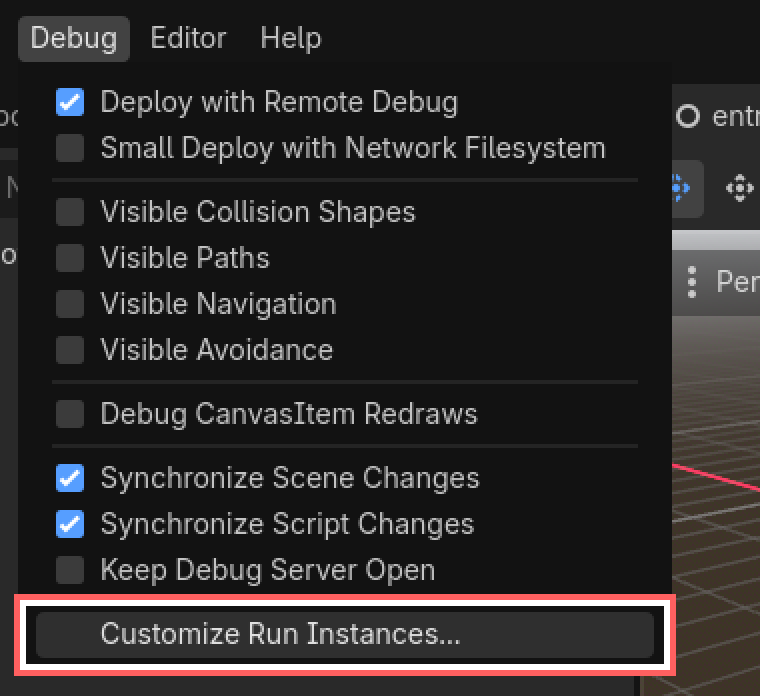
- Go to Debug > Customize Run Instances
- Enable Multiple Instances, then set the instance count to 1
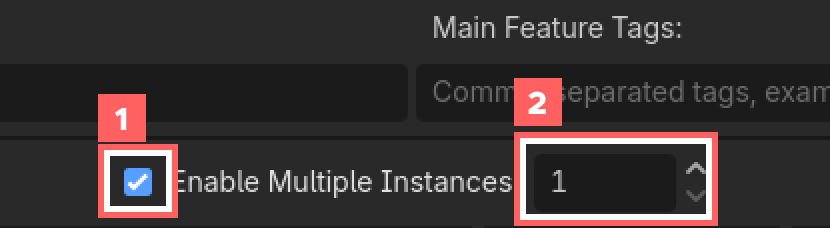
- Set the Feature Tags to
creator

Tip! About the Launch arguments
You can keep the launch arguments from the client launch, no need to change anything!
- Press Run Project
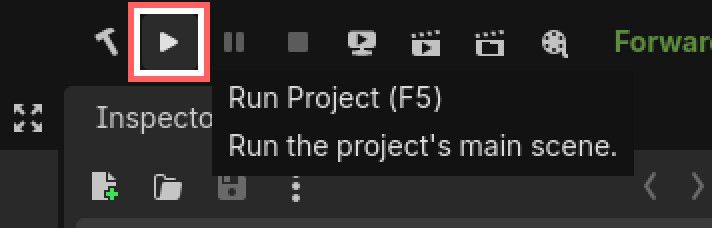
...and there you go!